Where are your drivers and trucks?
Get real-time GPS tracking for your business.

FleetSharp is the GPS solution you need.

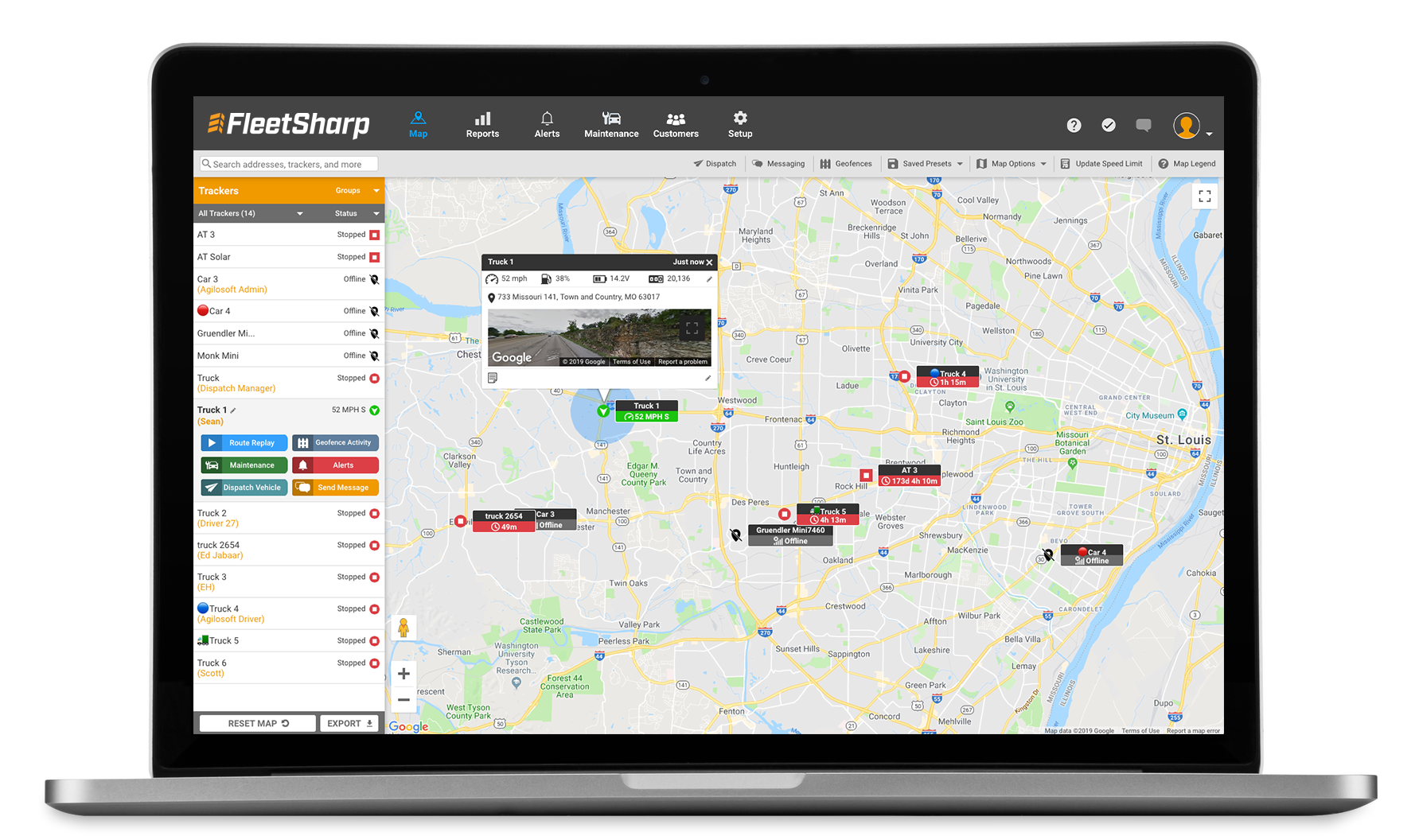
FleetSharp real-time GPS tracking software

FleetSharp GPS is the easy, affordable way to track and monitor vehicles, assets, and equipment.

If it's valuable, we can track it.

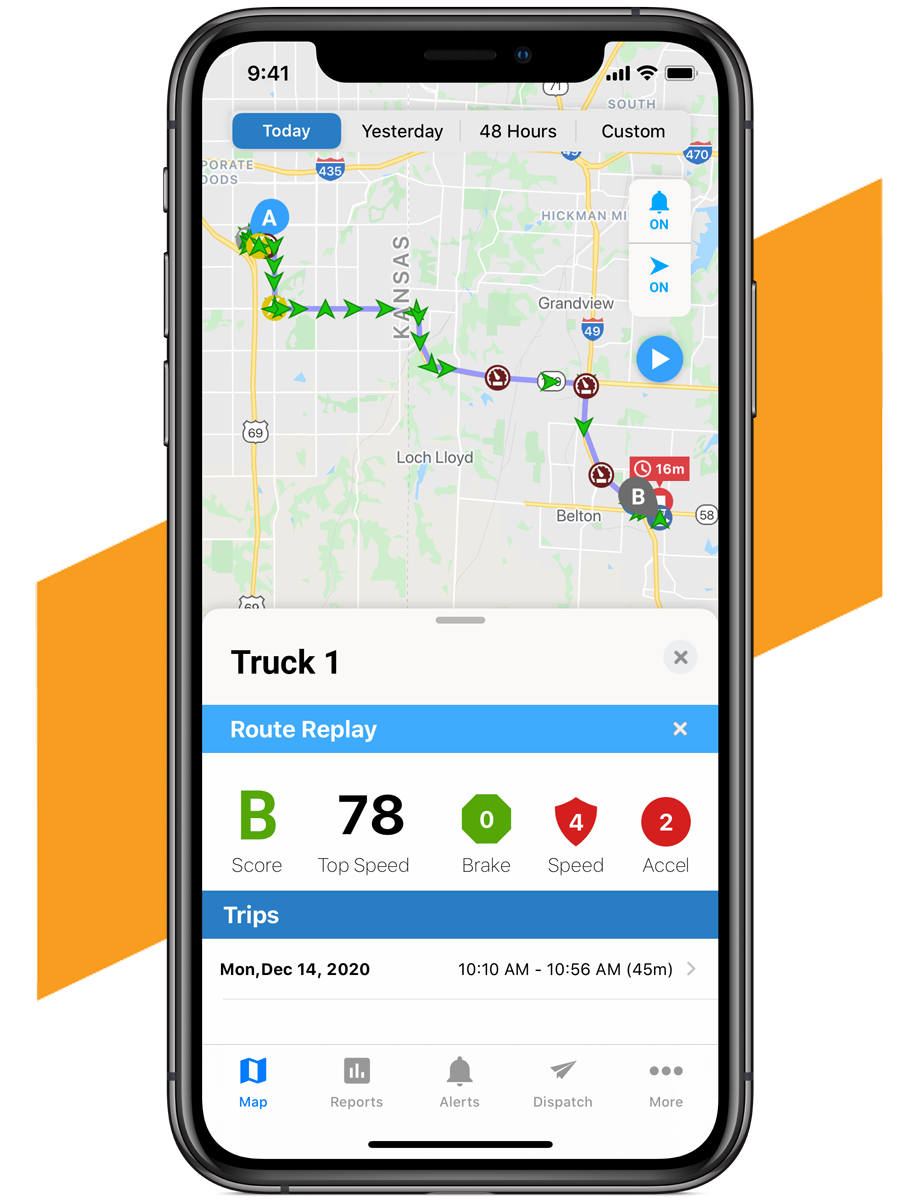
FleetSharp mobile GPS route replay

Reduce Fuel Costs

FleetSharp reduces fuel usage by up to 20%.

Improve Fleet Safety

Monitor and improve safe driving habits and identify problem drivers.

Deliver Better Customer Service

Identify the closest worker to a job site. Resolve customer disputes with proof of service.

Guard Against Costly Theft

Ensure your vehicles and assets are where they're supposed to be.

Keep tabs on your entire fleet of vehicles and assets with our simple-to-use solution.

FleetSharp provides a complete solution for fleet managers to track vehicle and asset locations, driver behavior, and maintenance needs — all in one place.

FleetSharp fleet vehicle
ABOUT FLEETSHARP

GPS tracking made simple for your business.

Helping businesses track smarter since 2004.

FleetSharp has been delivering GPS tracking solutions for fleets and businesses since 2004. We serve thousands of customers with fleets both small and large.

We focus on providing easy-to-use, reliable and affordable GPS tracking, backed by outstanding U.S.-based customer support.

Easy to UseIntuitive GPS tracking software
U.S.-Based SupportHelpful, knowledgeable assistance
Developed In-HouseContinuously improving our solutions
Talk to Our Team

Vehicle Trackers

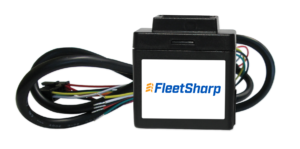
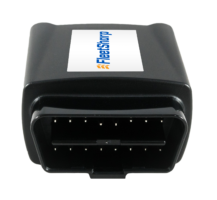
FleetSharp OBD Plug

FleetSharp OBD Plug

  • Installs in seconds by plugging in to the OBDII port
  • Reports once a minute when vehicle is on, once an hour when off
  • Not much bigger than a car key (2" x 1.8" x 1")
  • Power is supplied directly from the OBDII port
  • Perfect for automobiles and light and medium duty trucks manufactured after 1996
  • 4G cellular network
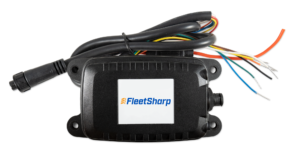
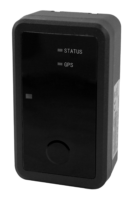
FleetSharp Wired GPS Tracker

FleetSharp Wired

  • 3-wire installation takes minutes
  • Reports once a minute when vehicle is on, once an hour when off
  • Not much bigger than a car key (2" x 1.8" x 1")
  • Power is supplied directly from the vehicle
  • Perfect for vehicles without an OBDII port, or when you need to prevent tampering
  • 4G cellular network
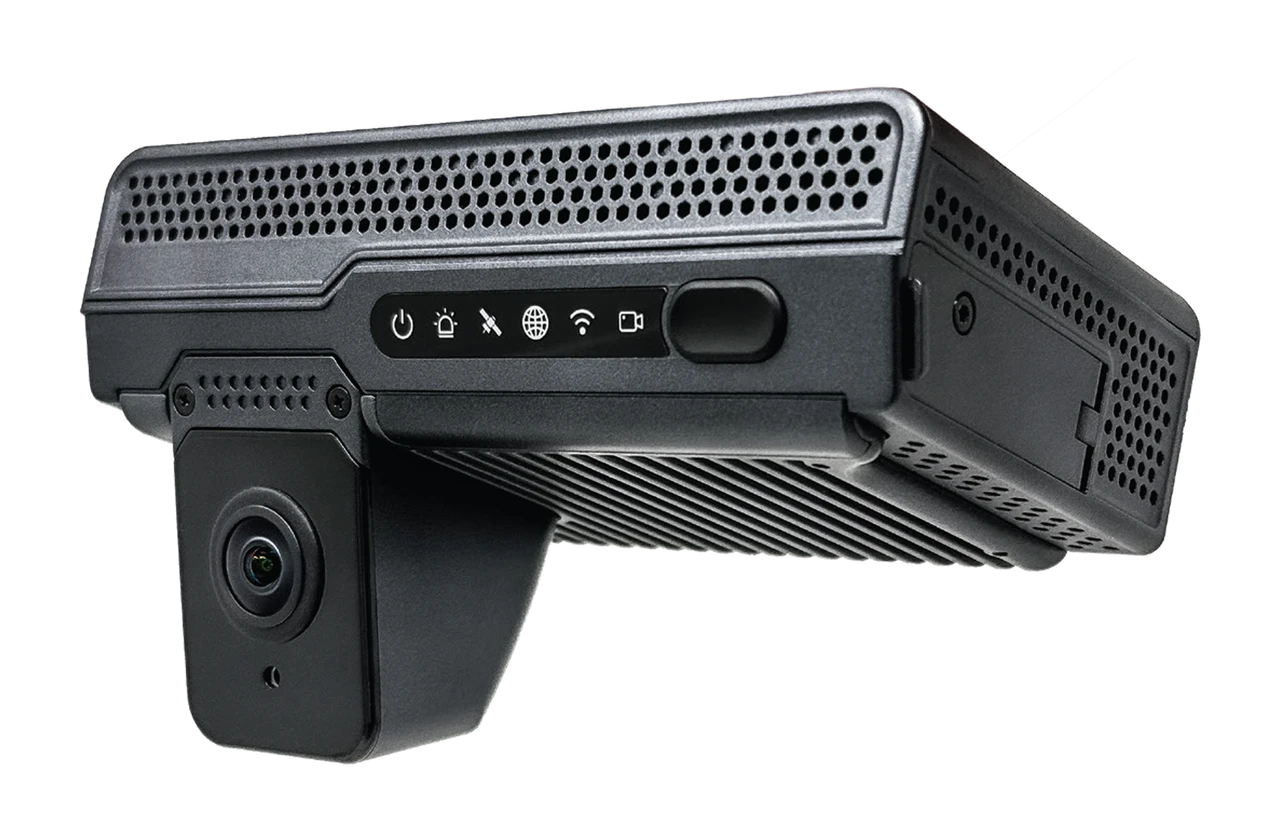
LinxCam AI Dash Camera
ADD-ON

LinxCam — Dash Cam Add-On

  • Integrated fully into the FleetSharp tracking system
  • View both front and rear camera views, that upload to the cloud instantly
  • Real-time alerts, distracted driver monitoring, and actionable insights

FleetSharp Asset Trackers

FleetSharp AT3 Asset GPS Tracker

FleetSharp AT3 Asset GPS Tracker

  • Fits on smaller equipment and assets
  • Easy installation – three-wires
  • Once-a-day reporting on battery / Reports every 10 minutes when powered and moving
  • Weather-proof case (IP66 rated)
  • Rechargeable battery with 3-month charge (Battery recharges when hooked to power using attached wire harness)
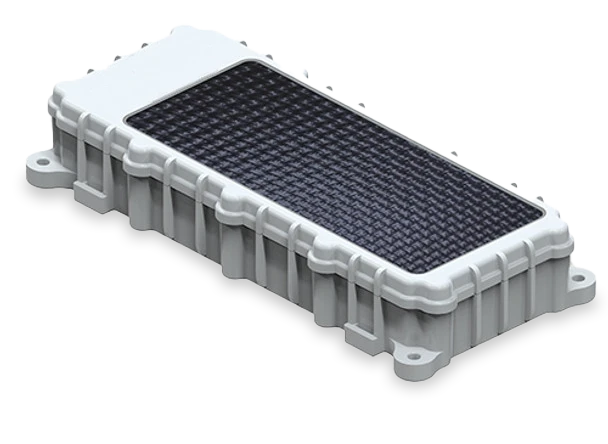
FleetSharp ATSolar Equipment Tracker

FleetSharp ATSolar Equipment Tracker

  • Specifically designed for tracking non-powered equipment and assets
  • Provides self-charging, solar-powered battery that lasts up to 10 years
  • Supports multiple installation options
  • Reports once every 3 hours when stationary / reports every 10 minutes when in motion
FleetSharp ATLT Daily Tracker

FleetSharp ATLT Daily - Long Term Asset Tracker

  • Fits on any size equipment
  • Operates for up to 3 years
  • Easy to attach and move to different assets as needed
  • Reports once a day
  • Switch to recovery mode / 10 minutes between pings
  • Rugged and weather-proof

Frequently Asked Questions

Learn more about FleetSharp GPS tracking and how it works with Jobber.

How does FleetSharp integrate with Jobber?

FleetSharp lets eligible Jobber users view GPS-tracked vehicles on Jobber's schedule map, helping businesses see where crews are and make informed scheduling and dispatching decisions.

Do I need a FleetSharp GPS device?

Yes. Each vehicle you want to track needs a compatible FleetSharp GPS tracking device. FleetSharp offers plug-in and wired tracking options for different vehicles and business needs.

How do I connect FleetSharp to Jobber?

In Jobber, visit the App Marketplace and find FleetSharp GPS Tracking. Select Connect and follow the setup instructions to link your existing FleetSharp account or get started with new tracking devices.

Can I see my vehicles on Jobber's map?

Yes. Once the integration is configured and your devices are active, tracked vehicles can appear on Jobber's schedule map alongside your team's scheduled work.

What vehicle information is available?

Depending on the device and available data, Jobber may display vehicle status, location, speed, direction, fuel or battery information, and the time of the latest GPS update.

Which Jobber plans support FleetSharp?

FleetSharp integration availability depends on your Jobber subscription and region. Check your current plan or Jobber's integration documentation to confirm eligibility.

How long does it take to get started?

Setup time depends on device availability, shipping, installation, and account configuration. After activation and integration setup, vehicle information may take an additional synchronization cycle to appear in Jobber.